Wappkit Blog
A Step-by-Step Guide to Creating Effective Reddit Keyword Alerts
Learn how to set up custom Reddit alerts for your brand and keywords. with practical steps, examples, and clear takeaways for 2026.
Article context
Read the guide inside the same Wappkit surface as the product.
Authors

Practical content, product pages, activation docs, and downloads should feel like one connected trust path instead of scattered templates.

A Step-by-Step Guide to Creating Effective Reddit Keyword Alerts

Setting up Reddit keyword alerts means configuring a system to scan subreddits for specific phrases and ping you when a match occurs. An effective workflow is simple: define your target terms, pick a monitoring method (like RSS feeds or third-party scraping), and route the matches to where you actually work, like Slack or email.
This lets founders, researchers, and growth operators catch high-intent discussions before competitors do. Instead of manually refreshing search pages or hoping the algorithm surfaces relevant threads, custom alerts automate discovery entirely.
Precision is everything here. Reddit moves fast, and generic search terms will flood your notifications with noise. A strong system filters out the junk, triggers only on exact matches or specific subreddits, and delivers results fast enough for you to act.
When to Build a Custom Reddit Alert Workflow
Most people start by searching Reddit manually. You open the site, search your brand name, sort by new, and scroll. That works for the first few weeks of a project. But eventually, manual checking becomes a chore you skip, which means missing opportunities or delaying responses to negative feedback.
A custom workflow replaces this labor with a continuous, passive listening net. It becomes necessary the moment your business relies on community sentiment, competitive intelligence, or rapid customer support. If a user complains about a specific feature, an alert ensures you are the first person in the thread offering a fix.
You also need a systematic approach to track broader problem categories, not just your brand name. If you run a data backup service, tracking the phrase "lost my database" across developer subreddits provides a steady stream of potential customers who need your exact solution right now. You cannot capture that intent efficiently without automation.
Operating without alerts relies on luck, while running generic alerts leads to notification fatigue. The right time to build a structured monitor is when you know exactly what problems your audience discusses, but you lack the bandwidth to hunt for those conversations daily. If you treat Reddit as a primary channel for acquisition or research, a well-tuned alert system is a basic requirement.
What You Need Before Setting Up Your Monitors
Jumping straight into software integrations usually creates a messy setup. Before touching any tools, you need a clear strategy. The foundation of any effective alert system is a structured list of target terms grouped by intent.
Creating a giant list of single words guarantees failure. If you sell specialized running shoes and track the word "running," your feed will be useless within ten minutes. You need specific phrases that signal intent, frustration, or a direct mention of your business. Keep your initial setup organized by grouping your tracking requirements into three main categories:
First, track brand mentions to catch direct discussions about your product or company. You can do this by using quotation marks around your exact brand name.
Second, monitor competitor names to catch dissatisfaction with alternative solutions. Searching a rival's name alongside the word "alternative" is an easy way to intercept wandering customers.
Finally, track problem statements to find users actively asking for a solution you provide. Combine phrases like "how to fix" with your target audience's specific problem.
Organizing terms into these buckets makes it easier to assign different priorities. A direct brand mention might require an immediate push notification to your phone, while general problem statements can be batched into a daily email.
You also need negative keywords - terms that disqualify a post even if the primary keyword is present. If your software shares a name with a movie, you must explicitly filter out discussions about the film to keep your data clean.
Finally, decide whether to monitor all of Reddit or restrict your tracking to specific subreddits. Global searches cast a wider net but catch more spam. Targeted monitoring guarantees relevance but might miss a viral thread in a general community. Knowing your preference dictates how you configure the tracking logic next.
The Simplest Workflow for Reddit Keyword Tracking
Many operators assume they need complex data pipelines to monitor conversations. In reality, the most reliable setups rely on standard boolean logic and basic notification routing. The goal is to move relevant discussions from the forum into your workspace with minimal friction.
- Define your exact search syntax. Use quotation marks for precise phrases and boolean operators (AND/OR) to combine terms. Test this syntax directly in the native Reddit search bar first.
- Select an ingestion method. For basic needs, append a specific parameter to a Reddit search URL to generate an RSS feed, then connect that feed to a reader or automation platform.
- Route alerts to a dedicated channel. If you use Slack or Teams, create a channel specifically for these notifications. Do not mix automated messages with regular team chat.
- Establish a triage routine. Have someone review the alert channel twice a day to categorize matches as actionable, informative, or irrelevant.
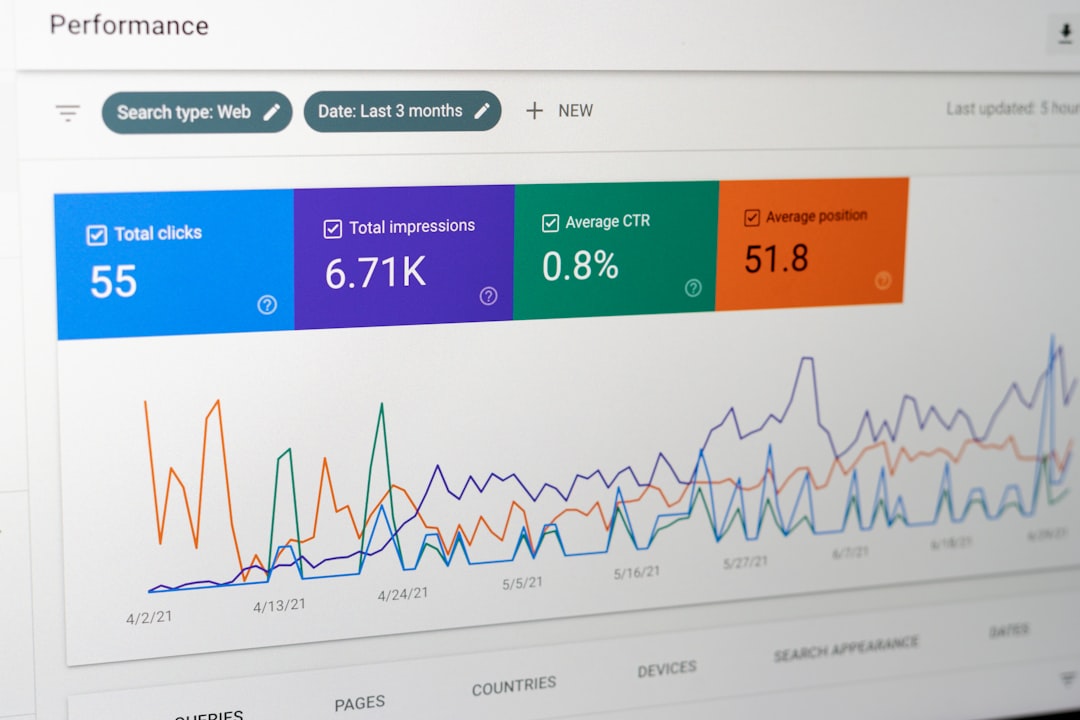
This workflow limits the technical overhead. You don't need to manage API keys or write custom scripts; you just rely on proven delivery methods to push data where you already work.
Regular review is the most critical part. Expect to make daily adjustments during your first week. You will spot patterns in the irrelevant matches and use them to expand your negative keyword list. If a specific subreddit consistently generates false positives, exclude it from your search string entirely.
Where Keyword Monitors Break and Generate Noise
Even carefully planned alert systems degrade over time without maintenance. The primary failure point is notification fatigue caused by broad matching.
When false positives pile up, you naturally start ignoring the alert channel. Once muted, the system loses its value. This usually happens because the initial keywords were too optimistic. Single-word trackers, industry jargon, and generic questions pull in massive amounts of low-quality posts.
Platform rate limits and delayed syncing also cause headaches. Free RSS setups frequently suffer from caching delays. A post might gain traction for hours before the RSS feed updates. By the time your alert triggers, the thread is locked or the original poster has moved on.
Tracking logic also breaks when users rely on slang, abbreviations, or misspellings. If you strictly monitor a formal brand name, you'll miss the casual conversations where people shorten it or make typos. You have to continuously tune your parameters to balance reach and precision.
Doing this by hand works well for a handful of exact phrases. But managing dozens of complex tracking rules across hundreds of subreddits gets unmanageable fast. If you need deep historical context, complex filtering, and immediate notifications, you'll eventually outgrow a simple feed reader. For advanced needs that involve license key activation and direct desktop control, tools like Reddit Toolbox provide a stronger foundation. You can access these via the Wappkit Download Center to run sophisticated monitors directly from your machine.
FAQ
What are Reddit keyword alerts?
They are automated notifications triggered when a specific word or phrase is published in a new post or comment. The system continuously scans new content against your predefined rules and pings your email, chat app, or dashboard when a match occurs.
How do I set up custom Reddit alerts for my brand?
Start by identifying all variations of your brand name. Input those variations into a monitoring service or an RSS integration. Add negative terms to filter out irrelevant posts, and select a specific destination channel to receive the incoming matches.
What are the best tools for Reddit keyword monitoring?
Basic workflows often use automation apps combined with custom RSS feeds. For more control, operators use dedicated desktop tools, specialized social listening platforms, or direct API integrations. The right tool depends on your required speed, budget, and keyword volume.
How do I exclude specific subreddits from my alerts?
Use the minus sign operator in your boolean search string. Adding a negation rule that specifically targets the subreddit name prevents any content from that community from triggering your workflow.
Sources
For more context on monitoring strategies and alerting tools, check out these resources:
- Reddit Monitoring From $29/mo - Track Reddit Keyword Mentions
- Is there a way to have custom alerts for reddit ?
- How do I set up alerts for specific keywords on Reddit
- Pageradar : Reddit Keyword Monitoring and Alerting
- 13 Best Reddit Monitoring Tools in 2026 for Real-Time Alerts
- Reddit Keyword Monitoring Tools in 2026
- Best Reddit Keywords Monitoring and Alerts Tool in 2026
- Reddit Keyword Monitoring: Grow Faster With Smart Alerts
Conclusion
Building a reliable system for custom Reddit alerts changes how you interact with the platform. Instead of wasting hours on manual searches, you can focus on writing helpful replies to users who actually need your input. The technical setup is straightforward: you just need a clear list of terms, basic boolean logic, and a solid delivery channel.
Success requires constant refinement. Aggressively prune noisy keywords, expand your negative filters, and adjust your routing to prevent notification fatigue. As your tracking requirements grow, moving from basic feeds to dedicated desktop tools ensures you never miss a critical conversation. Structuring this workflow correctly today protects your brand and uncovers new growth opportunities.
From Wappkit
Reddit Toolbox
Start with the Reddit collector for free, then unlock the full desktop workflow with a Wappkit license key.
Why it fits this blog
- - Free mode keeps the Reddit collector open for hands-on evaluation
- - Paid activation unlocks the rest of the desktop toolbox inside the app
Reddit Toolbox is live on Wappkit with checkout, license retrieval, and in-app activation connected.
From Wappkit
Reddit Toolbox
Start with the Reddit collector for free, then unlock the full desktop workflow with a Wappkit license key.
Why it fits this blog
- - Free mode keeps the Reddit collector open for hands-on evaluation
- - Paid activation unlocks the rest of the desktop toolbox inside the app
Reddit Toolbox is live on Wappkit with checkout, license retrieval, and in-app activation connected.